
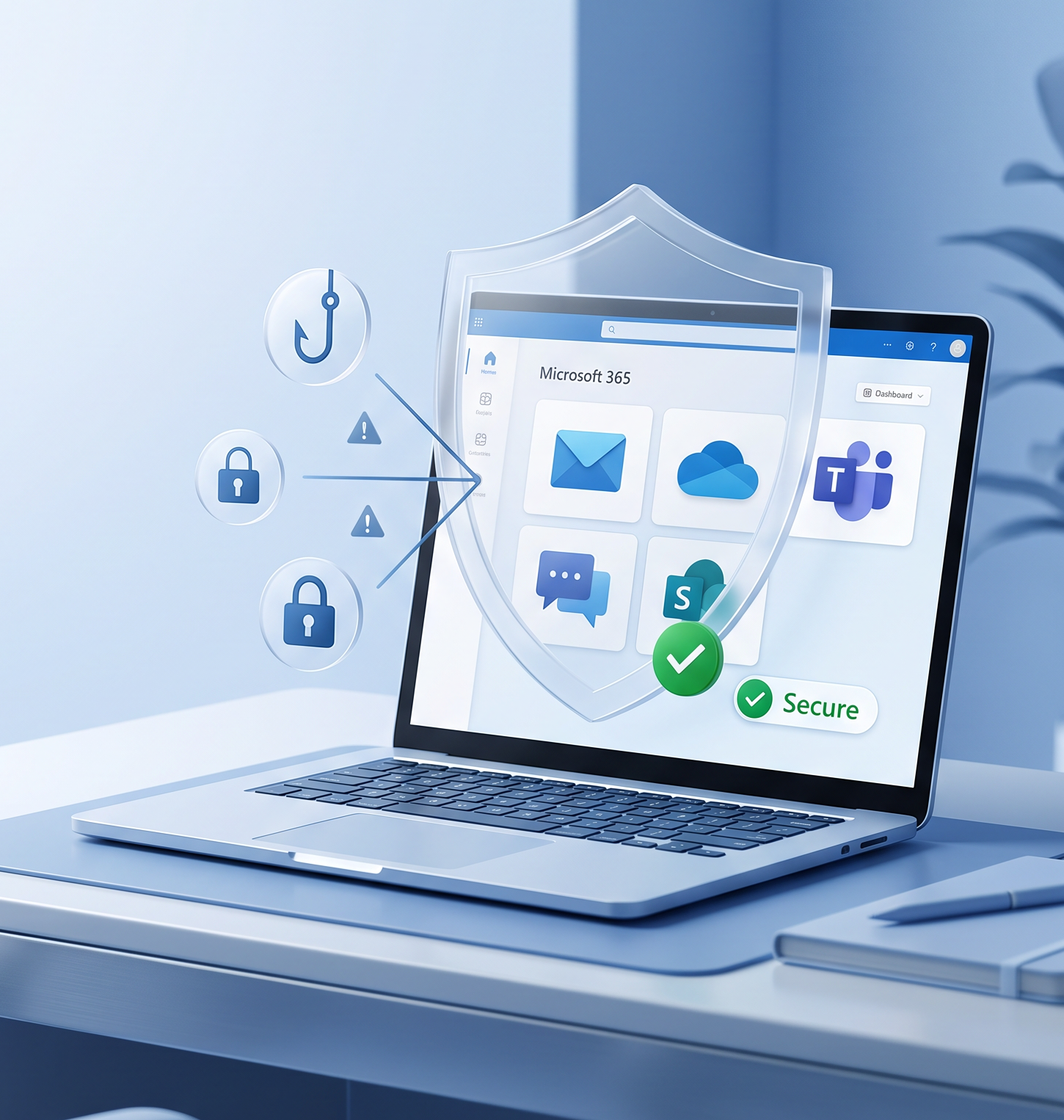
Microsoft 365 powers modern business communication and collaboration. Exchange Online email, OneDrive, SharePoint, and Teams are where invoices, contracts, approvals, and sensitive documents live. That also makes Microsoft 365 (M365) a prime target for cyberattacks and a common source of accidental data loss. If your organization depends on M365 daily, you need a clear plan for Microsoft 365 protection that goes beyond basic settings.
Many companies assume Microsoft’s built-in features are “enough,” but real-world incidents often expose gaps in Microsoft 365 security, recovery readiness, and compliance reporting. Phishing and account compromise can lead to fraud, ransomware can disrupt operations, and simple mistakes—like a deleted SharePoint library or overwritten OneDrive file—can become costly emergencies. A strong M365 security strategy combines prevention and fast recovery.
The Biggest Risks in Microsoft 365 (M365)
1) Phishing and account compromise in Microsoft 365
Most organizations face phishing attempts daily. Today’s attacks often look legitimate, fake invoice threads, vendor banking changes, or “urgent” approvals, designed to bypass human skepticism. Once an attacker compromises an account, they can abuse mailbox rules, impersonate staff, and access sensitive files stored across OneDrive and SharePoint. That’s why phishing protection and identity hardening are central to Microsoft 365 security.
2) Ransomware and advanced threats targeting cloud collaboration
Ransomware isn’t limited to devices. When attackers gain access to identities or data paths connected to Microsoft 365, they can disrupt email and collaboration workflows or damage accessible data. This is where layered defenses and XDR for Microsoft 365 become important, so you can detect suspicious behavior, investigate quickly, and respond before the impact spreads.
3) Accidental deletion, corruption, and human error
A large share of business-impacting incidents aren’t “hacks”, they’re mistakes: deleted mailboxes, lost Teams messages, overwritten files, or misconfigured SharePoint permissions. Without a reliable Microsoft 365 backup and recovery capability, restoration becomes slow, manual, and uncertain.
4) Compliance gaps (retention, eDiscovery, and reporting)
Compliance requirements and cyber insurance expectations increasingly require provable controls: retention, auditability, and the ability to retrieve communications quickly. Email archiving for Microsoft 365, plus reporting, can reduce legal and operational risk by making eDiscovery and compliance processes more predictable.
What “Complete Microsoft 365 Protection” Should Include
A practical, complete approach to Microsoft 365 protection typically includes these layers:
- Microsoft 365 backup and recovery for Exchange Online, OneDrive, SharePoint, Teams, and OneNote
- AI-powered cybersecurity to stop phishing, spoofing, ransomware, and zero-day threats
- Extended Detection and Response (XDR) to detect, investigate, and neutralize evolving threats
- Email archiving and reporting to support compliance, eDiscovery, and cyber insurance requirements
- Security awareness training and phishing simulations to reduce human risk
- Posture management to continuously monitor and remediate Microsoft 365 security gaps
For identity resilience, include Entra ID backup so critical objects (users, groups, roles, policies, and more) can be recovered when identity changes or attacks disrupt access.
Our Approach: Complete Microsoft 365 Protection (All-in-One)
Our Complete Microsoft 365 Protection service delivers enterprise-grade, AI-powered protection in one integrated platform (powered by the Acronis Cyber Protection Platform). It helps safeguard emails, files, Teams chats, and SharePoint sites against phishing, ransomware, accidental deletion, and compliance gaps—while supporting fast recovery and business continuity. With integrated backup, cybersecurity + XDR, email archiving, security awareness training, and posture management, you reduce vendor sprawl and close the gaps that attackers and accidents exploit.
If you’re not sure where your gaps are, start with the basics: can you quickly restore email and files after accidental deletion, reliably detect and investigate suspicious sign-ins or mailbox activity, and produce the records you’d need for an audit or incident response?
A complete Microsoft 365 protection strategy brings backup & recovery, phishing/ransomware defense (including XDR), email archiving, posture management, and security awareness training together, so you’re not relying on one control to do everything. If you’d like, we can review your tenant at a high level and recommend the most practical next steps based on your users, risk profile, and compliance requirements.
CSI secures, monitors, and supports your IT so you can focus on growth. Serving Central & Southwest Florida. Call +1‑844‑340‑5060 or email [email protected]