If your inbox feels like a landfill, you’re not alone. Spam, phishing, and fake “invoice” emails waste time—and one wrong click can turn into a costly security incident.
The good news is that most email problems can be reduced dramatically with email hygiene: a mix of smart settings and simple habits that keep legitimate messages moving smoothly (think “green arrows”) while blocking the junk.
Below is an easy, practical guide you can use whether you’re a small business, a growing team, or a busy office that just wants email to work.
What “email hygiene” really means.
Email hygiene is the routine care that keeps your email system healthy. It covers two big goals:
- Stop bad email from reaching people (spam, phishing, malware).
- Help good email get delivered (your quotes, receipts, newsletters, and replies land in the inbox—not the spam folder).
When hygiene is poor, even your real emails can start getting filtered, delayed, or rejected.
The #1 cause of “fake emails” (and how to block them).
A common threat is email impersonation—someone sends a message that looks like it came from your company (or your boss) to trick staff or customers.
To reduce this, your domain needs basic “proof of identity” settings. You’ll often hear these three terms:
- SPF: lists which services are allowed to send email for your domain
- DKIM: adds a signature so messages can be verified
- DMARC: tells email providers what to do if a message fails checks (and gives reports)
You don’t need to memorize the acronyms—just know this: these settings make it much harder for scammers to pretend they’re you. If you use Microsoft 365, Google Workspace, or an email marketing tool, it’s important that all your sending services are included and configured correctly.
Simple habits that cut spam and phishing fast.
Even with good security settings, your team’s daily habits matter. These steps are easy and high impact:
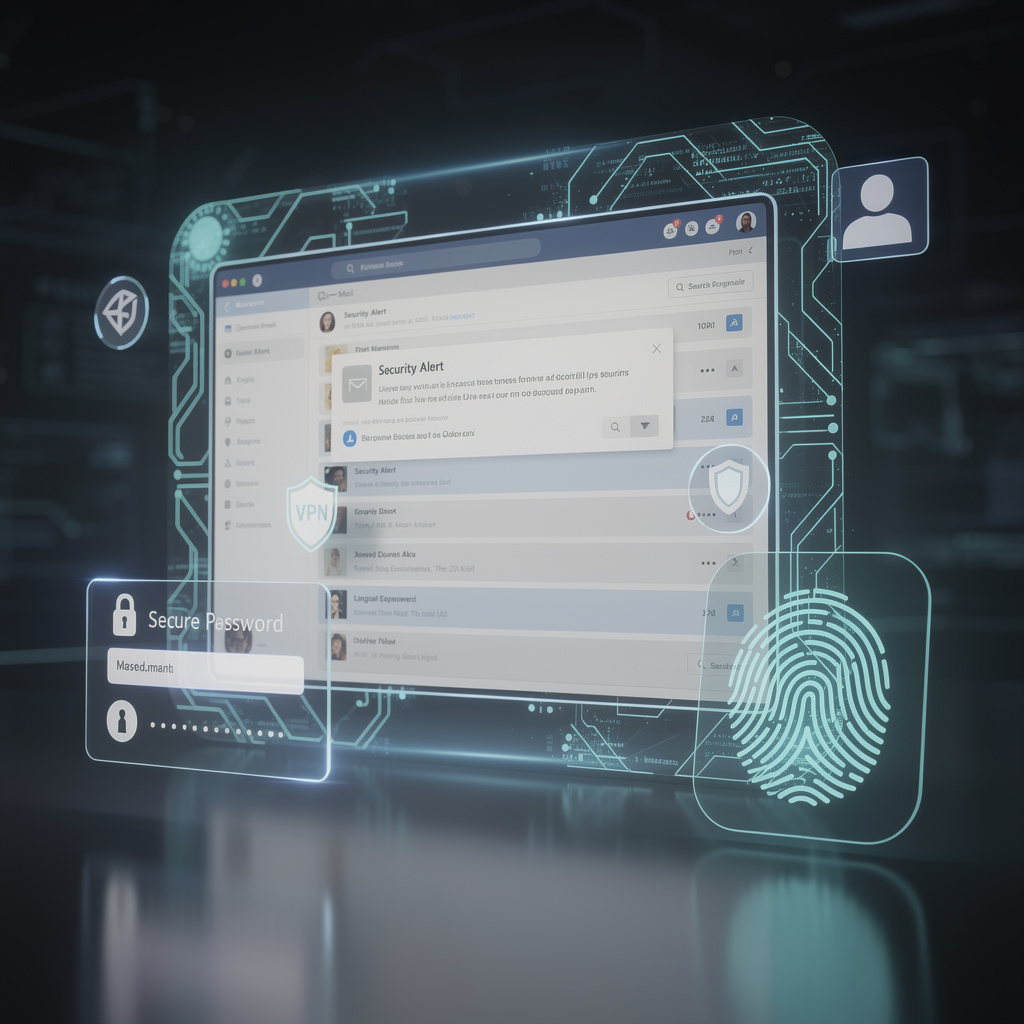
- Turn on two‑step sign‑in (2FA) for every email account, especially admins
- Use a “Report phishing” button (or a clear process) so suspicious email gets flagged quickly
- Don’t click links from unexpected emails—especially “urgent payment,” “password reset,” or “shared document” messages
- Keep devices and browsers updated so known security holes are patched
- Be careful with attachments (especially ZIP files, “invoice” files, or anything asking you to enable macros)
The goal isn’t fear—it’s creating a calm, repeatable routine that blocks common attacks.
Keep your sending reputation clean (so your emails don’t go to spam).
If you send newsletters, reminders, or customer updates, deliverability matters. These practices keep your email reputation healthy:
- Remove bounced addresses (emails that no longer exist)
- Respect unsubscribes immediately
- Use confirmed sign‑ups (a quick “please confirm your email” step)
- Avoid sudden big sending spikes (send steadily, not all at once)
- Send useful content people expect—spam complaints hurt deliverability fast
Think of it like keeping your phone number trusted—if too many people block you, carriers stop putting you through.
Red flags that suggest an email account was compromised.
Watch for these signs:
- Emails sent that no one remembers writing
- New auto‑forwarding rules (especially to an outside address)
- Password reset emails you didn’t request
- People reporting strange messages “from you”
If you see this: reset the password, revoke suspicious sign-ins/app access, and check forwarding rules immediately.
Bottom line.
Email hygiene and anti‑spam aren’t about complicated tech—they’re about trust and consistency. When your domain is protected, your users are trained, and your sending lists are clean, good email flows smoothly and bad email gets stopped before it causes damage.
CSI secures, monitors, and supports your IT so you can focus on growth. Serving Central & Southwest Florida. Call +1‑844‑340‑5060 or email [email protected]