Keeping everyday devices and Wi‑Fi secure is mostly about preventing common problems, not buying fancy tools. Start with the idea of layers: if one thing fails, another catches it. For small businesses, the most important layers live where people work—on laptops and phones—and how those devices connect to your network and cloud apps.
First, protect devices with EDR, not just antivirus.
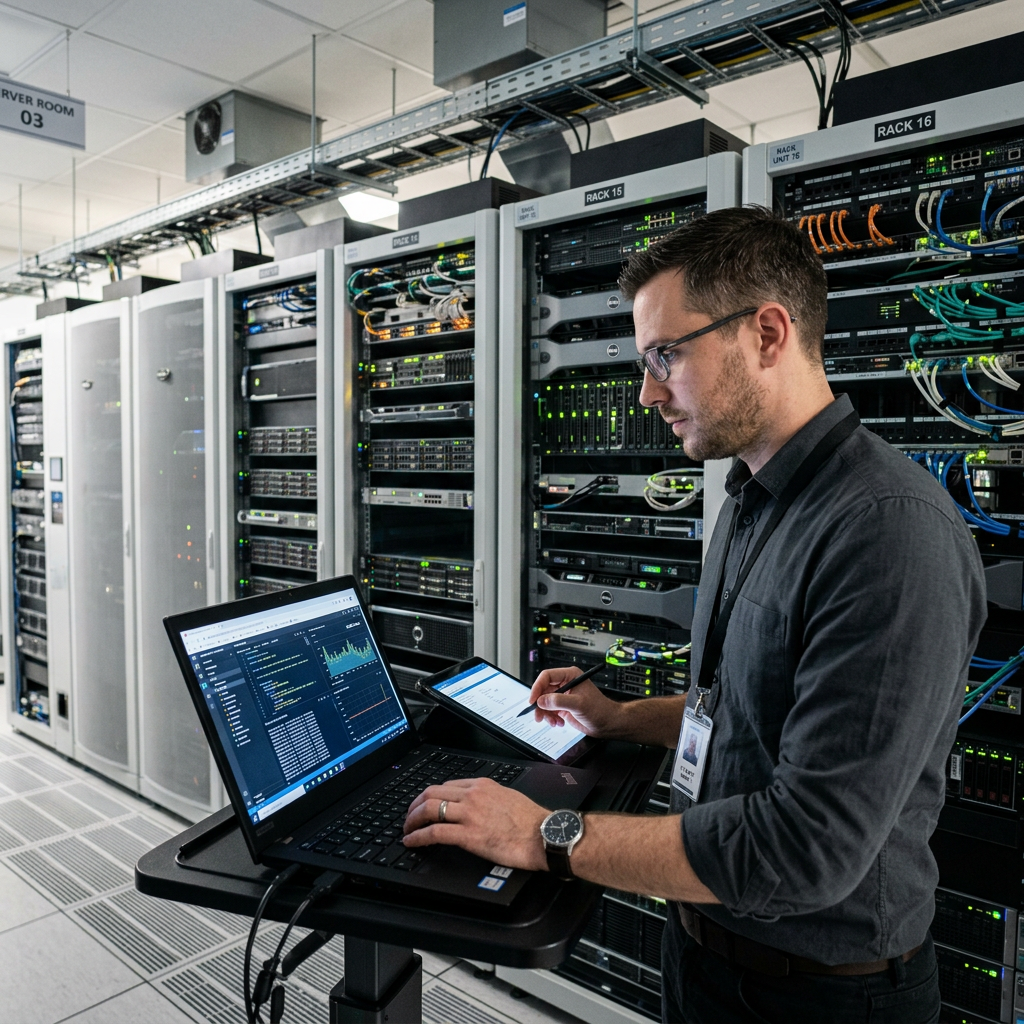
Traditional antivirus looks for known bad files; EDR also watches behavior in real time. If someone clicks a bad link, EDR can spot ransomware‑like activity, kill the process, and even isolate the computer so the issue doesn’t spread. Install EDR on every company laptop and desktop, make sure it updates automatically, and route alerts to someone who will respond promptly.
Next, close the easy doors.
Turn on automatic updates for operating systems and common apps like browsers, Office, and PDF readers. Aim to install urgent updates within a week. Set a simple USB policy: either block unknown USB storage or allow only approved, encrypted drives. This prevents malware arriving on a thumb drive and protects data if a drive is lost. Give staff a safe alternative for moving files so they don’t create risky workarounds.
Finally, separate your network into lanes.
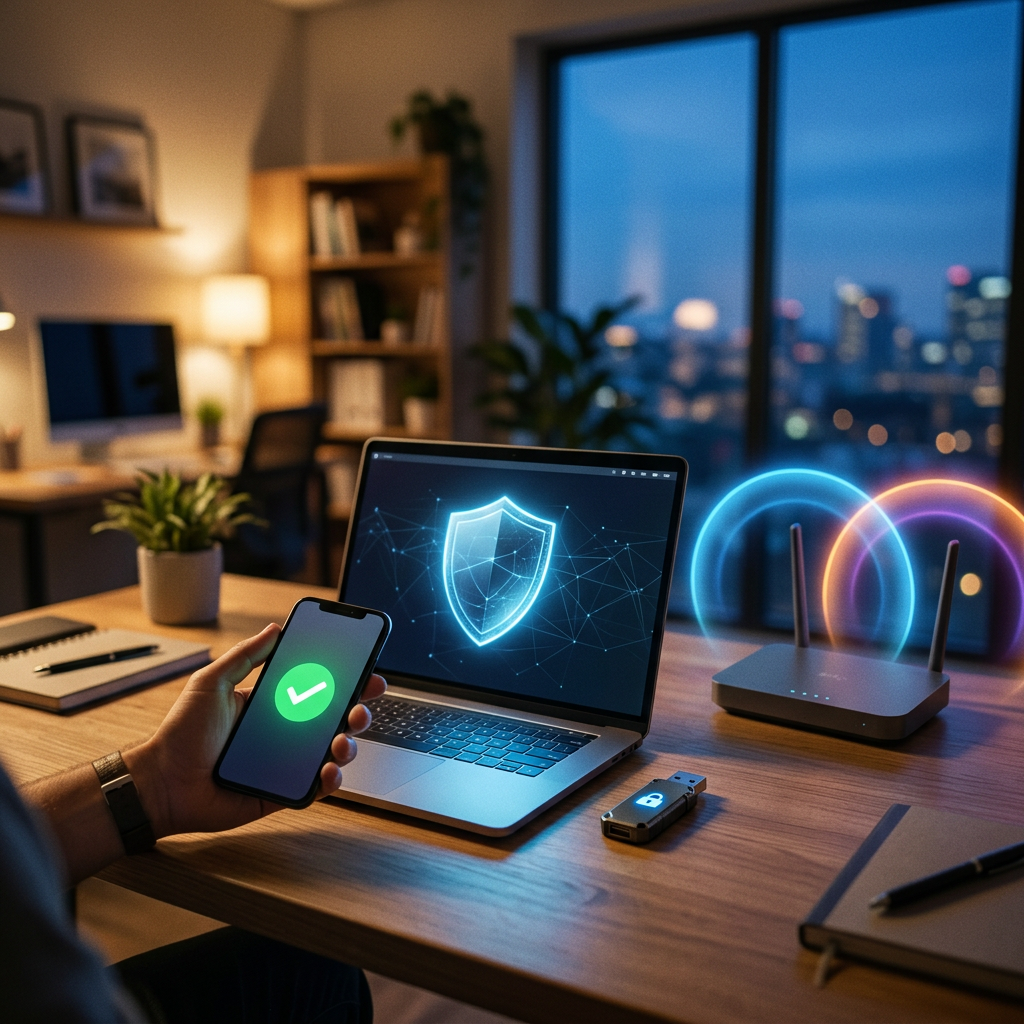
Put visitors on a true guest Wi‑Fi that can’t see business devices, and keep critical systems—finance PCs, POS, servers, cameras, smart devices—on their own segment. For remote work and BYOD, require a screen lock, device encryption, and MFA for business apps, and be able to remove company data from a lost or departed device. These simple steps reduce infections, stop lateral movement, and keep everyone productive. If you want help, we can check these items in 20 minutes and give you three clear fixes to prioritize.
A quick story.
Someone on the team clicked a fake shipping email. Antivirus missed it. Our EDR saw weird activity, cut the laptop off from the network in seconds, and we cleaned it. Because updates were current and guest Wi‑Fi was separate, nothing spread. Work didn’t stop.
Your 5 quick checks
- Do all company computers have EDR?
- Are automatic updates on for Windows/macOS and browsers?
- Do we have a clear USB rule (blocked or approved encrypted drives only)?
- Is Guest Wi‑Fi fully separate from business devices?
- For personal devices, do we require a screen lock, encryption, and MFA for work apps?
If you can’t say “yes” to all five, we can help you fix them fast without slowing your team.
How we help?
CSI sets up EDR, automates updates, builds a safe guest network, and adds simple BYOD rules. Result: fewer scares, faster recovery, and smoother insurance renewals.
Protect what you’ve built. CSI secures, monitors, and supports your IT so you can focus on growth. Serving Central & Southwest Florida. Call +1‑844‑340‑5060 or email [email protected]